Complete a task
Check work off from anywhere; it all lands in your home's service history.
Updated August 29, 2026
Tasks can be completed wherever you see them: a dashboard tile, the Tasks list, the Calendar, or a room's panel.
- Quickest: click Mark done right on the task's row.
- Or open the task first and click Mark Complete. That's where you can also record notes, the part you used, and what it cost. Logged costs add up into a yearly spend line on your dashboard, digest, and Home Report.
- Repeating tasks schedule their next occurrence automatically; one-offs simply move to your history.
- Typo in a logged entry? Open the task and use the pencil next to that entry in Completion history to fix its notes, part, or cost.

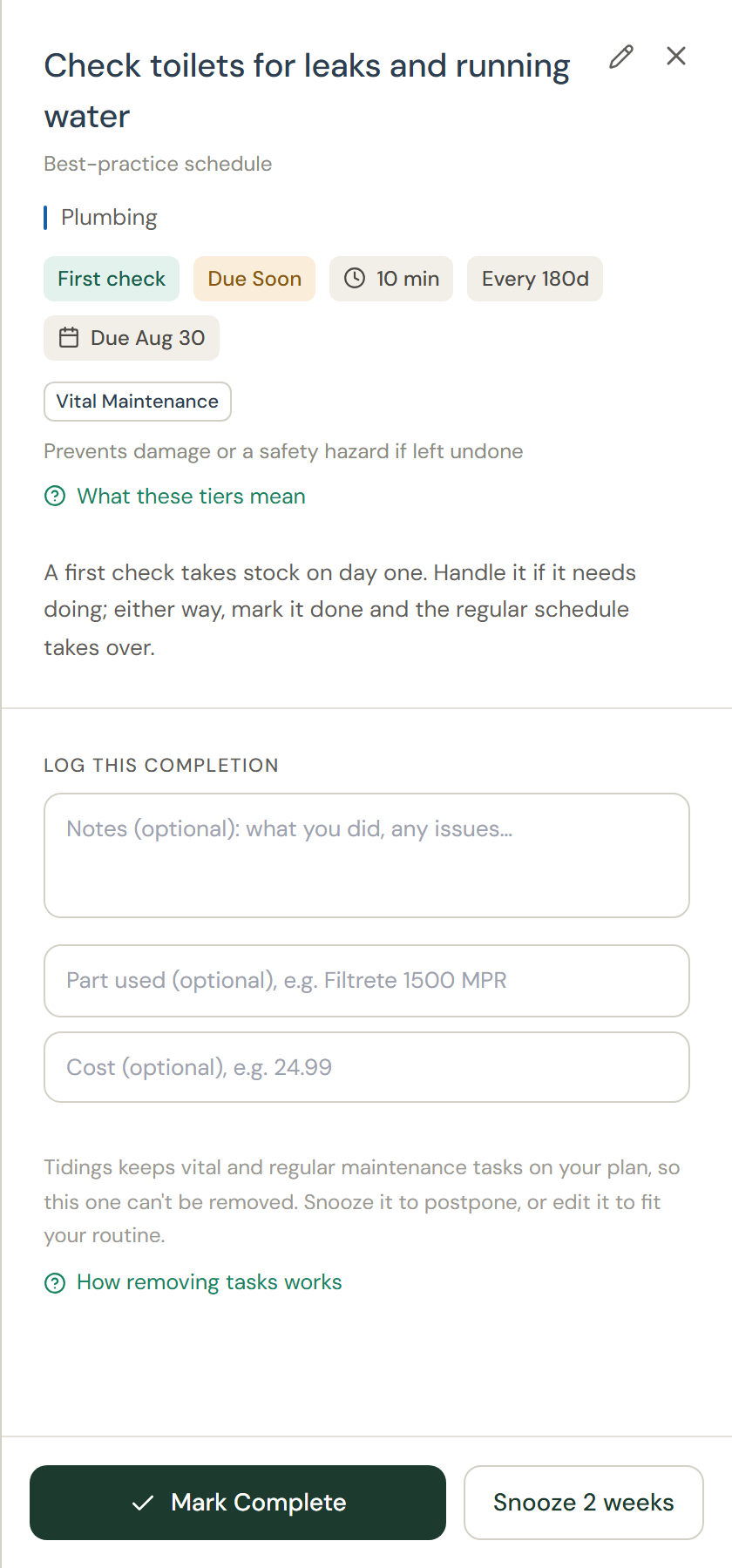
Good to know: A First check badge marks the day-one look Tidings schedules when you add an appliance or a room. Handle it if it needs doing; either way, completing it starts the regular interval from what you actually found.
Tip: Completions build your home's service history, which is useful at resale, for warranty claims, and for remembering which filter size you bought last time.