Add your own task
Track anything Tidings doesn't already, one-off or repeating, whole-home or per room.
Updated July 30, 2026
Desktop: Home → Add Task, or from any room's panel, or from an appliance's page
Mobile: Bottom tab → Home → Add Task
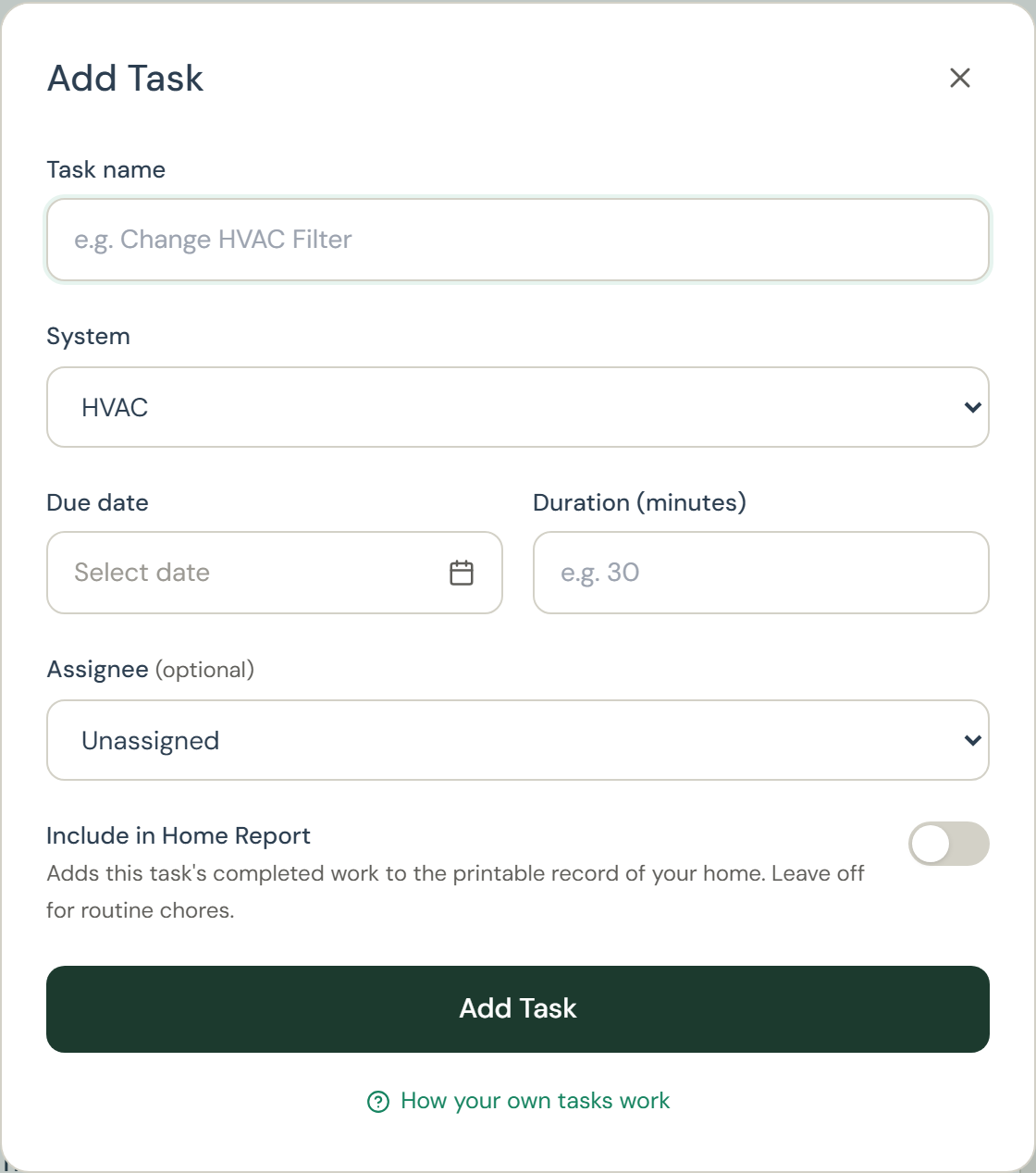
- Name the task and pick which system it belongs to.
- Set a due date, and optionally how long it takes.
- Optionally tie it to an appliance, and assign it to someone in your household.
- Save. It joins your plan alongside the generated tasks.