Add a room
Build out your home's floor plan one room at a time.
Updated July 30, 2026
Desktop: Sidebar → Home
Mobile: Bottom tab → Home
- On the Home page, click Add Room.
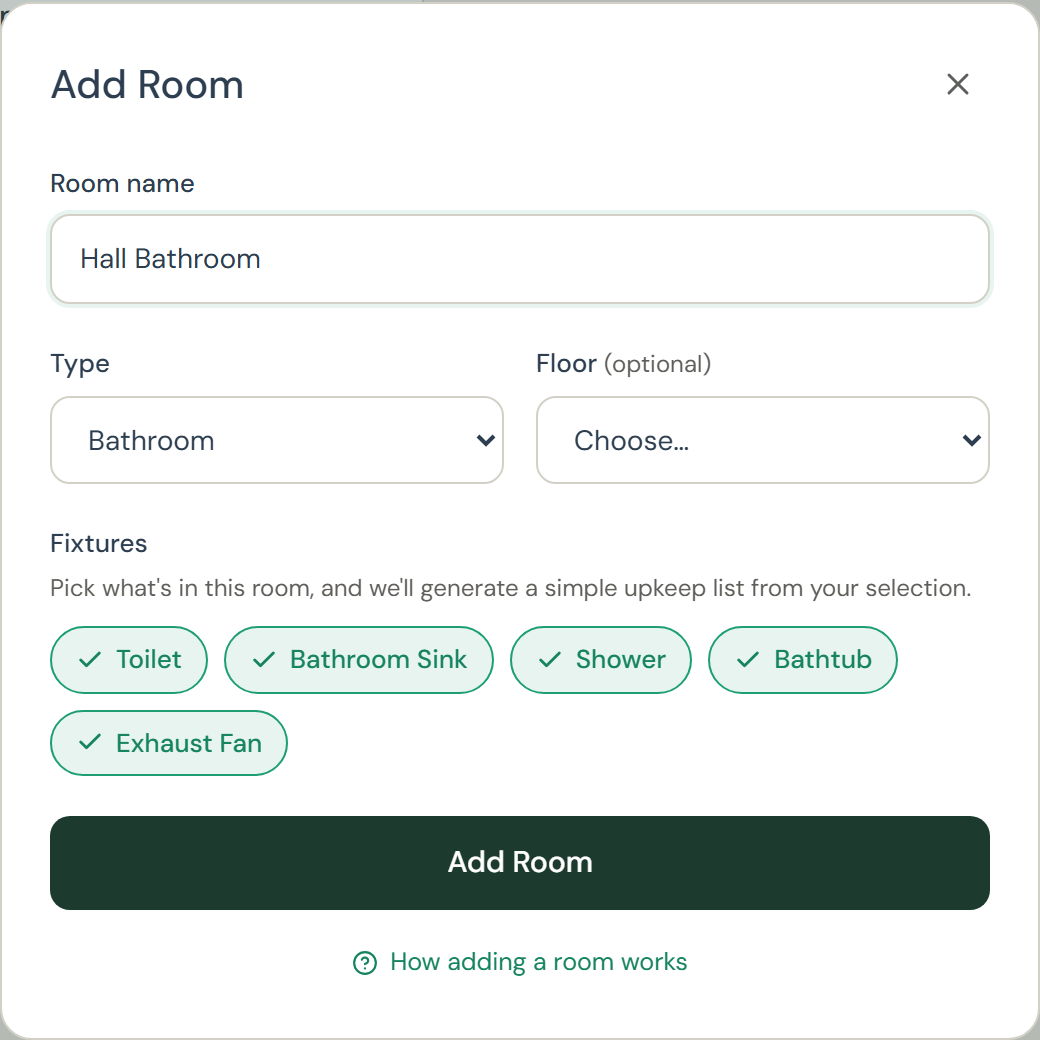
- Give it a name and pick a type: kitchen, bathroom, bedroom, and so on.The type pre-selects that room's typical fixtures; uncheck any you don't have.
- Save. The room joins your floor plan and room grid, and its panel opens so you can add appliances and tasks right away.The room's upkeep list starts with a First check due the same day, usually the leak check for its fixtures, so day one has something real to look at.
Tip: If you answered the home-layout questions during onboarding, Tidings already built those rooms for you; Add Room is for everything after.